
The menu
The menu lists the screens you work in, in groups:
A badge beside an item shows waiting work, such as unread conversations in the Inbox.
A folded group still shows the total on its header, so nothing waiting is hidden.
Top menu or sidebar. On a desktop the menu runs across the top by default. To have it
down the side instead, open your account menu (your initials, top right) and choose
Use the sidebar. In the sidebar, when you’re on a channel’s or battery’s screen the
menu opens inside it, with Back to the rest; you can fold the other groups, and press [ to shrink
it to icons and back. The panel remembers your choice.
On a phone the bar at the bottom holds Dashboard, Inbox and Contacts, with Menu
for everything else.
The account icons
The icons at the top right are about the account rather than the day’s work: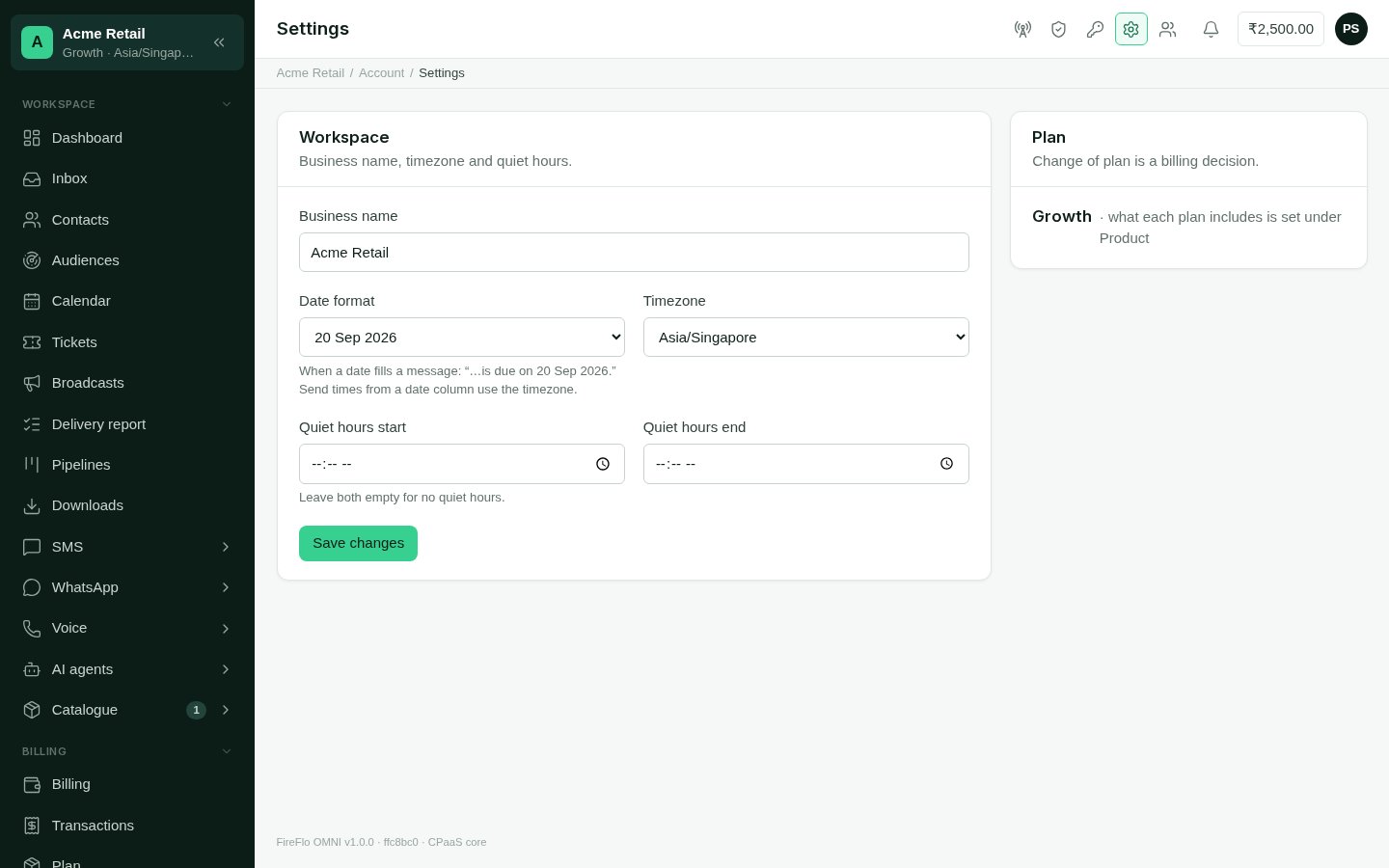
Settings: the account's business name, timezone, date format and quiet hours.
Balance, notices and your account menu
- Balance: when your role may see it, your prepaid balance sits in the top bar. It turns red below zero. Select it to open Billing.
- Notices: the bell holds short news for you, such as a new booking, each with a link to where it happened, and a count of unread ones.
- Your account menu (your initials) shows your account and roles, switches between the top menu and the sidebar, sets the Appearance (Light, Dark or System), and signs you out.
Banners about your plan
A banner across the top tells you when your plan needs attention: how many trial days are left, when your paid time ends, or that a payment is due. While a payment is due, sending, campaigns and agents are paused until FireFlo records it. The banner links to How to pay on the Plan page.When something is missing
If a screen you expect isn’t there, one of three things is true:- Your role doesn’t allow it. Ask an Owner or Admin. See Team and roles.
- Your plan doesn’t include it. See Plan and modules.
- A channel isn’t connected yet. Channel screens and the messaging parts of the dashboard appear once a channel is set up. See Channels.